Vervette Fluid Sandbox...


Here we mingle, introduce ourselves, our thoughts and ideas and have caring discussions.

User avatar

Site Admin

Posts: 7436

Joined: Sun Nov 10, 2013 1:38 pm

Post Mon Feb 15, 2021 11:19 pm

Re: Vervette Fluid Sandbox...

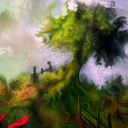
Here's a simple, but somehow also fascinating landscape. The result is probably less fascinating than the simple process of making it. Took just a 2 or 3 minutes, but it feels like it should've been longer, doesn't it? :)
Attachments
LandscapeSimple001.jpg
LandscapeSimple001.jpg (247.15 KiB) Viewed 4259 times
Here to help! :D
System Info: Mac mini, Apple M1, 8 Gb, Sonoma 14.5 - secondary: AMD Radeon RX Vega 10, AMD Ryzen 7 (2.3 Ghz), Windows 11
Taron.de | Twitter | Pinterest | YouTube
User avatar

Posts: 1098

Joined: Fri Jul 25, 2014 11:12 am

Post Tue Feb 16, 2021 8:45 am

Re: Vervette Fluid Sandbox...

Great! The middle of the sky looks very natural! I can see volume in there!
User avatar

Site Admin

Posts: 7436

Joined: Sun Nov 10, 2013 1:38 pm

Post Tue Feb 16, 2021 11:46 am

Re: Vervette Fluid Sandbox...

Isn't that cool with the clouds! Yeah, I will later add some wilder stuff like tilting the noise pattern in perspective and possibly warping it, all as settings.
The method here is so fun and simple:
• pick a pale blue at around 50% brightness and fill the canvas
• set noise scale to 70% or so and noise detail to around 60% or less
• set paintMode to Multiply [3] and make a big brush to gradually turn the canvas darker from top to bottom, maybe consider landscape already a little
• set noise scale to 80% or higher and leave noise detail at around 60%, invert the noise ([Shift]+[T] or double click on thumbnail of noise), raise the noise contrast maybe to 40%.
• use white (hit [S]) and possibly set MATTER to 50% (click on MATTER) or a tiny bit above it
• set paintMode back to Normal [1]
• set softness to 100% and paint some clouds... make dabs with possibly some small motions, gradually from one side to the other in the "sky".
• the bottom of the clouds will likely be rather dark. Pick one of the darker whites and now carefully go over the clouds again with dabs, painting the dark side of them
• The Ground: pick a pale green at around 50% brightness and turn noise Scale down to like 30% or less.
• make vertical little strokes along the bottom. Maybe use [Shift} to spread the color a bit horizontally, but then make sure you still do vertical tiny strokes over them for the grass.
• set paintMode to Multiply [3]
• do those vertical strokes again, but focus on making it darker along the bottom.

This gives you a great starter for such a landscape.
VervetteTipsLandscape001.jpg
VervetteTipsLandscape001.jpg (119.6 KiB) Viewed 4246 times


Then you can paint some trees and whatever you wish...
Here to help! :D
System Info: Mac mini, Apple M1, 8 Gb, Sonoma 14.5 - secondary: AMD Radeon RX Vega 10, AMD Ryzen 7 (2.3 Ghz), Windows 11
Taron.de | Twitter | Pinterest | YouTube
User avatar

Site Admin

Posts: 7436

Joined: Sun Nov 10, 2013 1:38 pm

Post Tue Feb 16, 2021 1:33 pm

Re: Vervette Fluid Sandbox...

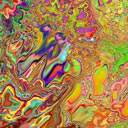
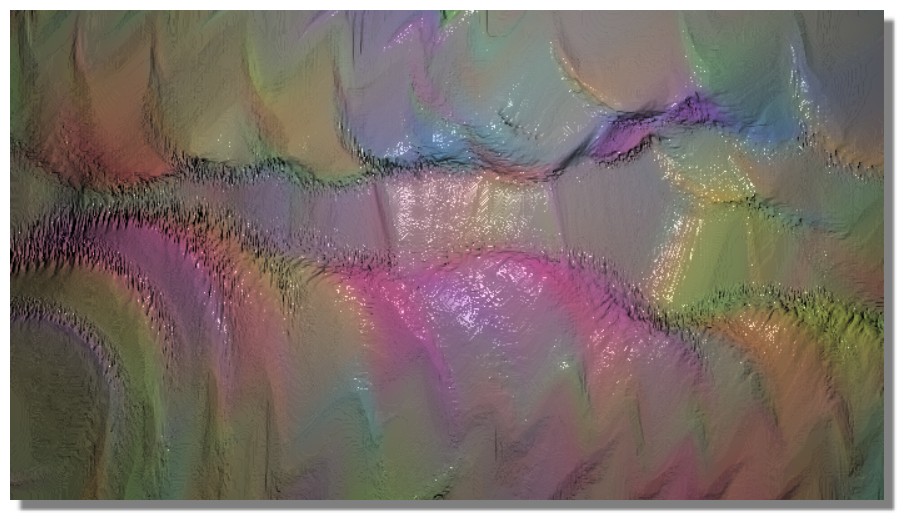
Just listening to some of my old songs... doodling around.
Attachments
Abstract011.jpg
Abstract011.jpg (251.49 KiB) Viewed 4244 times
Abstract010.jpg
Abstract010.jpg (256.21 KiB) Viewed 4245 times
Here to help! :D
System Info: Mac mini, Apple M1, 8 Gb, Sonoma 14.5 - secondary: AMD Radeon RX Vega 10, AMD Ryzen 7 (2.3 Ghz), Windows 11
Taron.de | Twitter | Pinterest | YouTube
User avatar

Site Admin

Posts: 7436

Joined: Sun Nov 10, 2013 1:38 pm

Post Tue Feb 16, 2021 4:00 pm

Re: Vervette Fluid Sandbox...

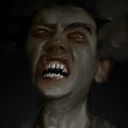
I have to stop doodling, but it's what I do when I'm trying to think of the next thing to write...
...it's also observing behaviors of the paint and what I would wish for and all that. But, really, I should do the PHP stuff next. :shrug:
Attachments
FacialAbstract005.jpg
FacialAbstract005.jpg (258.01 KiB) Viewed 4241 times
Here to help! :D
System Info: Mac mini, Apple M1, 8 Gb, Sonoma 14.5 - secondary: AMD Radeon RX Vega 10, AMD Ryzen 7 (2.3 Ghz), Windows 11
Taron.de | Twitter | Pinterest | YouTube
User avatar

Posts: 554

Joined: Mon Jan 23, 2017 3:11 am

Location: Lima-Peru

Post Tue Feb 16, 2021 6:22 pm

Re: Vervette Fluid Sandbox...

Cool landscapes Taron.
is that dark part in the middle made by the brush in multiply mode?
or it comes from the canvas lighting material?

I like your last mountain landscape too
guess you know Vervette better than anyone.
congrats.
Facebook: https://www.facebook.com/gonnabdh
Portfolio: https://www.deviantart.com/eduardobedoya/gallery
System: Intel Core i7-13700K, NVIDIA GeForce RTX 4080 16GB, CORSAIR Vengeance DDR5 32GB, Windows 11
Verve Wishlist:
-LSH color pallete
-Brightness Knob
User avatar

Posts: 4830

Joined: Mon Mar 24, 2014 9:58 am

Post Tue Feb 16, 2021 6:32 pm

Re: Vervette Fluid Sandbox...

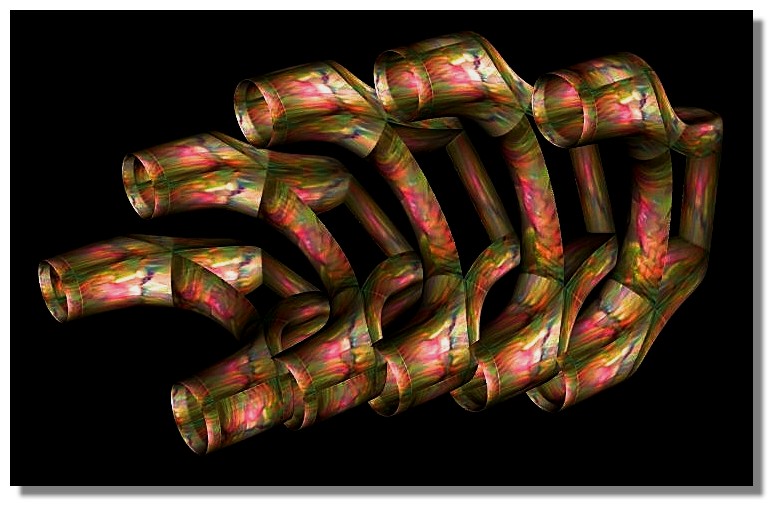
Tubes
Image

Image
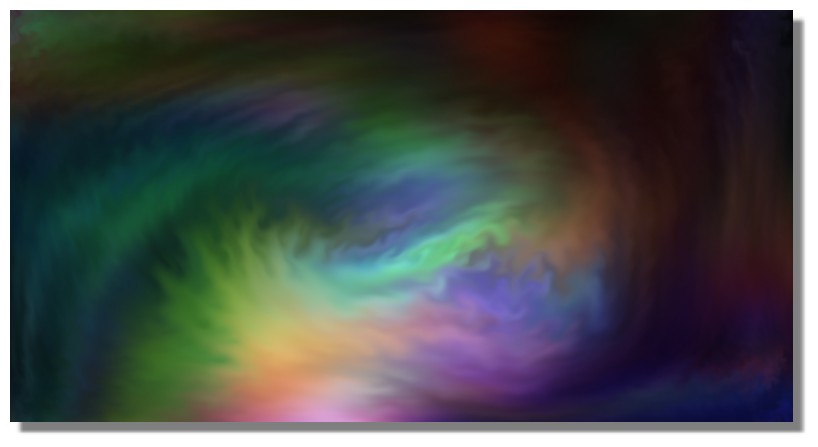
Is beautiful that please without concept!
http://moiscript.weebly.com/ https://schmoll8.wixsite.com/magicavox
Latop: Geforce GTX 950M, Intel Quad Core i7, Windows 10, 8 Gigas, 2.4ghz
User avatar

Site Admin

Posts: 7436

Joined: Sun Nov 10, 2013 1:38 pm

Post Tue Feb 16, 2021 7:15 pm

Re: Vervette Fluid Sandbox...

eduardobedoya wrote:Cool landscapes Taron.
is that dark part in the middle made by the brush in multiply mode?
or it comes from the canvas lighting material?

I like your last mountain landscape too
guess you know Vervette better than anyone.
congrats.

Thanks, Ed!
That dark part in the middle is painted and just sloppy actions of mine. The lighting is actually fairly flat, well distributed. I put the light source far away for that.

Thing with Vervette "Sandbox", is that it's really fairly simple and you can get an understanding for the few settings there are. Once you do, you can quickly adjust parameters to fit your desire.

Main things to consider:
Brush size Dynamic or Fixed (I switch often! Dyn to make outlines or intuitive shapes, Fix to blend, almost always, but also to fill certain areas)
Brush Softness (the harder (lower value) the more aggressive it follows your actions)
Brush Matter (slightly above the middle to not add too much material. If I want to paint accurately, always on the middle (or click on MATTER to automatically set it to there!)

Paint Modes (or color modes) really make it very wonderful. I often use Multiply (3) to start shapes or the likes. Overlay (4) is fantastic to freely exaggerate colors and explore their mixing, good fun. Screen (2) often just to tap once on the colors I wish to lighten and then pick the resulting color and go back to Normal (1) to then paint the light. Sometimes the same technique works beautifully with Multiply or even Overlay. Turn your painting into your palette, so to say, temporarily.

Noise. Well, amazingly really every parameter that exists currently (almost every) could be considered the "heart" of it, because they all have such significant influence on what you can do. I could explain everything in detail, but it wouldn't replace you experimenting with it. But I very often change the Scale of the noise, pretty often change the Detail Level and occasionally change the Contrast. I do invert it fairly often, because the default is more dense and inverse more sparse. Contrast will change the magnitude of difference between them.

Fluids ...oh boy, I sigh, because what I just wrote holds true: they are all parameters of the heart inside the Sandbox. I very often alter Speed, even more often alter the Smudge and pretty often adjust the Slip. You do get a feeling for what should be how for whatever action you have in mind. It takes some experimenting to really get a feel for it, but once you do... really, really powerful. In a way, I could almost reduce those Smudge and Slip sliders to like 3 settings each, because most of the time I have either 100%, 50% or 0% on them, but just to move those sliders by hand adds a very organic component, because it's rarely any of those exact values... just close to them. Speed I most of the time have super low, sometimes even at 0, but there are plenty of moments when high or even 100% Speed are awesome.

• The lighting, well... it can be its own key exploration, because it has the power to change the whole picture. It's almost like some fascinating compositing operation. Especially when you use materials for lighting, because you can choose images with certain colors, turning it into a rudimentary compositing thing. I yet have to seriously use Refraction, hahaha, but it is enormous fun to experiment with that, too.
Here to help! :D
System Info: Mac mini, Apple M1, 8 Gb, Sonoma 14.5 - secondary: AMD Radeon RX Vega 10, AMD Ryzen 7 (2.3 Ghz), Windows 11
Taron.de | Twitter | Pinterest | YouTube
User avatar

Site Admin

Posts: 7436

Joined: Sun Nov 10, 2013 1:38 pm

Post Tue Feb 16, 2021 10:11 pm

Re: Vervette Fluid Sandbox...

Vervette Fluid Sandbox v1.6
• Normal Paint Mode now thicker, using a simplified blitting method. Other paint modes act as they did before.
• Colorize Paint Mode added [5] - this is a really wonderful one to have, too.

Many advances I've made in the meantime will not go into the Sandbox, but into the full version. Among those advances are full 16bit project saving/loading as well as Settings and plenty of organizational solutions.
This is going to be good! :D ...but still some work. :borg:
Here to help! :D
System Info: Mac mini, Apple M1, 8 Gb, Sonoma 14.5 - secondary: AMD Radeon RX Vega 10, AMD Ryzen 7 (2.3 Ghz), Windows 11
Taron.de | Twitter | Pinterest | YouTube
User avatar

Posts: 4830

Joined: Mon Mar 24, 2014 9:58 am

Post Tue Feb 16, 2021 10:52 pm

Re: Vervette Fluid Sandbox...

Suggestion: Display Brush's Number (Left or Right of "Brush Setting" ?)

Cool a new one : the Number 5...of Chanel! :hihi: :ob

Image
Is beautiful that please without concept!
http://moiscript.weebly.com/ https://schmoll8.wixsite.com/magicavox
Latop: Geforce GTX 950M, Intel Quad Core i7, Windows 10, 8 Gigas, 2.4ghz
PreviousNext

Return to Community [feedback, bug reports, discussions, etc...]

Who is online

Users browsing this forum: No registered users and 8 guests

Powered by phpBB © 2000, 2002, 2005, 2007 phpBB Group.
Designed by ST Software